After completing a payment, you will receive a confirmation email.
To download your receipt:
- Open your confirmation email.
- Click the link in the email to view your payment confirmation.
- Click the Download receipt button at the bottom of the page.
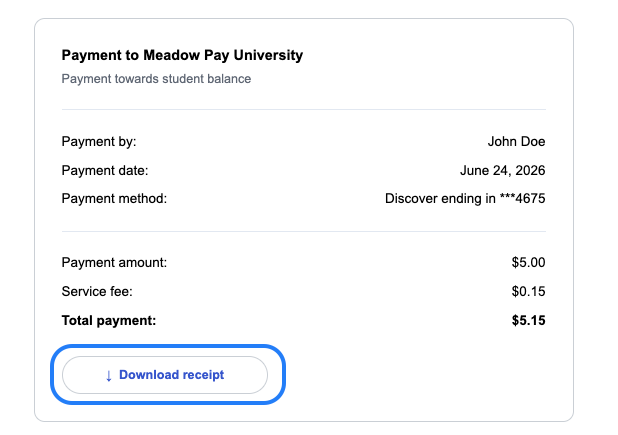
Please note, if you need assistance, your school can also download the receipt on your behalf. If you have additional questions please contact support.
Was this article helpful?
That’s Great!
Thank you for your feedback
Sorry! We couldn't be helpful
Thank you for your feedback
Feedback sent
We appreciate your effort and will try to fix the article